
Creating videos is no longer limited to film studios or professional editors with expensive tools. Today, students, entrepreneurs, influencers, and small business owners all rely on digital tools to tell their stories. Whether it’s a short social media clip, a product demo, or a YouTube vlog, the right video maker can turn a simple idea into something memorable.
At the same time, the rise of free video editing software has opened the door for beginners who want quality results without stretching their budget. But with so many tools available, choosing the right one can feel overwhelming. This guide will help you understand what matters most and how to make a smart decision based on your goals.
Why video content matters more than ever
Video has become the language of the internet. Platforms like YouTube, Instagram, and TikTok have changed how people consume information. Instead of reading long paragraphs, many users prefer watching quick, engaging clips. Businesses use videos to explain services, showcase products, and build trust with customers. Teachers use them to simplify complex topics. Even job seekers create video resumes to stand out. In this environment, knowing how to work with a reliable video maker is almost a basic digital skill.
The good news is that you no longer need advanced technical knowledge to produce impressive results. Modern tools are designed with user-friendly interfaces, drag-and-drop features, and ready-made templates that make editing approachable for everyone.
Understanding what a video maker actually does
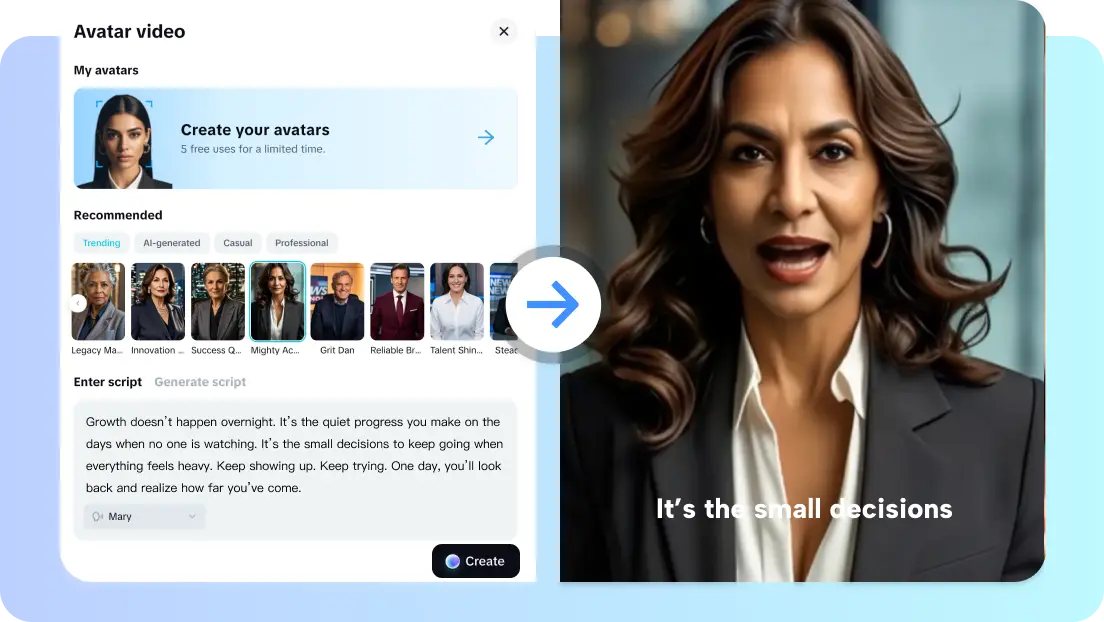
Before choosing any tool, it helps to understand what you really need. A video maker is typically designed to simplify the creation process. It often includes templates, stock music, transitions, and text overlays that can be applied quickly.
Templates and automation
Templates are especially helpful for beginners. Instead of starting from a blank timeline, you can select a layout designed for promotions, tutorials, slideshows, or social media stories. You simply replace the sample content with your own photos and clips. Automation also saves time. Some tools automatically adjust transitions to match music beats or suggest captions based on your footage. While professionals may prefer manual control, beginners appreciate these shortcuts.
Basic editing features
Even simple tools should offer essential features such as trimming, splitting, adding music, adjusting speed, and inserting text. These functions allow you to shape your story and maintain viewer attention. If your goal is social media content, you might not need complex color grading or multi-camera editing. But if you plan to grow a channel or produce professional content, you may eventually want more advanced options.
The rise of free video editing software
Budget often plays a major role in decision-making. Not everyone can invest in premium subscriptions right away. That’s where free video editing software becomes attractive. Many free tools now provide surprisingly strong capabilities. They allow you to edit in HD, apply filters, and export videos without obvious watermarks. For someone just starting out, this can be more than enough. However, it’s important to read the fine print. Some free versions limit export quality or restrict access to premium assets like stock music and advanced effects. Others may include subtle branding in the final output. Always test a tool before committing to it for important projects.
Comparing popular editing platforms
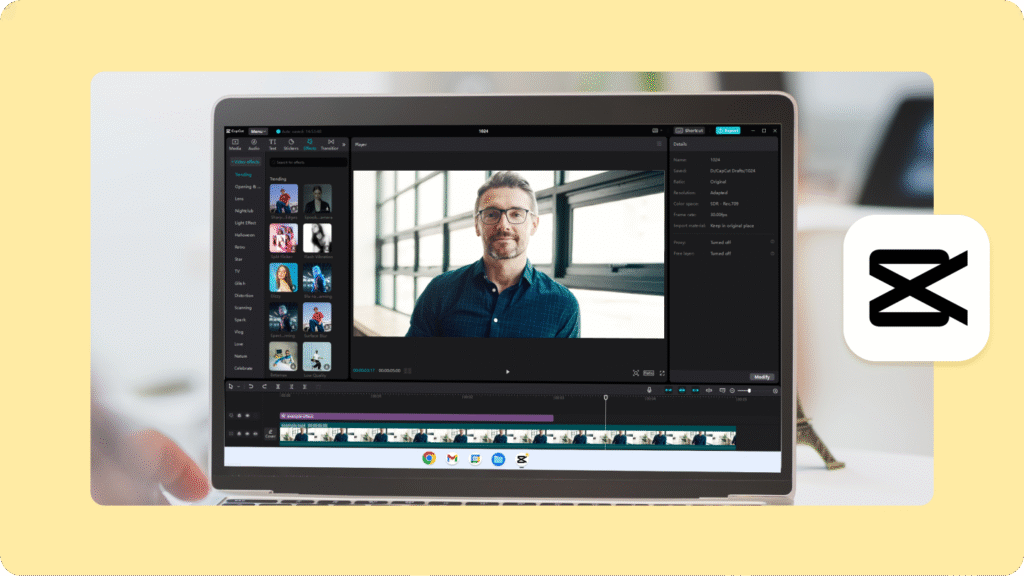
Different creators have different needs. Some prefer desktop programs, while others enjoy browser-based solutions. Well-known professional tools like Adobe Premiere Pro and Final Cut Pro are powerful but require time to master. They are better suited for experienced editors or those aiming for cinematic results. On the other hand, beginner-friendly options such as CapCut have gained popularity for their intuitive design and strong social media integration. These tools make it easy to cut clips, add subtitles, and apply trendy effects without hours of training. The key is to match the software to your comfort level and long-term goals. If you feel overwhelmed by complex timelines and layered controls, start simple. You can always upgrade later.
How to choose the right tool for your needs
Selecting the best solution depends on three main factors: purpose, experience level, and device compatibility.
Define your purpose
Are you creating marketing videos, personal vlogs, educational tutorials, or wedding highlights? Your purpose shapes the features you need. Marketing videos might require clean text animations and brand colors. Vlogs may need smooth transitions and audio balancing tools. If your focus is quick social media clips, a lightweight video maker with built-in aspect ratio presets can save time. For longer YouTube projects, you may want stronger timeline control.
Consider your experience level
Beginners benefit from simplicity. Look for clear menus, tutorials, and customer support. Intermediate users may want more control over layers, keyframes, and audio mixing. Free tools are perfect for practice. They allow you to experiment without financial pressure. As your skills improve, you’ll better understand which premium features are worth paying for.
Check system requirements
Some editing programs demand powerful computers with high processing speed and memory. If your device is older or has limited storage, a browser-based solution or lightweight app might run more smoothly. Always check whether the software supports your operating system. There’s nothing more frustrating than downloading a tool only to realize it’s incompatible with your device.
Common mistakes to avoid
Many beginners focus too much on effects and forget about storytelling. Flashy transitions and filters cannot fix a weak message. Before opening any free video editing software, outline your idea. Decide what you want viewers to feel or learn. Another common mistake is ignoring audio quality. Viewers may tolerate average visuals, but poor sound often drives them away. Use clear recordings and adjust volume levels carefully. Finally, avoid overcomplicating your first projects. Start small. Edit a one-minute clip. Practice cutting unnecessary parts and tightening your narrative. Confidence grows with each completed video.
Building skills over time
Becoming comfortable with any video maker takes practice. Watch tutorials, study other creators, and try recreating short scenes to understand pacing and rhythm. Experiment with color correction and background music. Learn how subtle adjustments can change the mood of a scene. Over time, you’ll develop your own editing style. Consistency matters more than perfection. Instead of waiting for flawless results, publish and learn from feedback. Improvement happens gradually.
The future of video creation
The world of video editing continues to evolve. Tools are becoming smarter, faster, and more accessible. What once required expensive equipment and years of training can now be done from a laptop at home. For aspiring creators, this is an exciting time. With the right video maker and reliable free video editing software, anyone can bring ideas to life. The real difference lies not in the tool itself but in how creatively you use it. In the end, the best software is the one that helps you tell your story clearly and confidently. Focus on your message, keep learning, and let your creativity guide the rest.